CONTENT / 01
Your Account Wallet, Ready to Go
When you log in, your account wallet sits at the top of every page — the current balance, deposit shortcut and recent transaction list are all visible without digging through menus. Deposit through Nagad or Rocket and the amount lands in your wallet so you can move straight into the lobby.
CONTENT / 04
11vet lobby studios
The 11vet lobby carries content from PlayStar, JDB, Spadegaming, Bigtime Gaming. To check the studio, rules or features of one specific game, open that game card or the published information panel.
-
PlayStar
-
JDB
-
Spadegaming
-
Bigtime Gaming
CONTENT / 02
Slots, Live Casino Tables and More
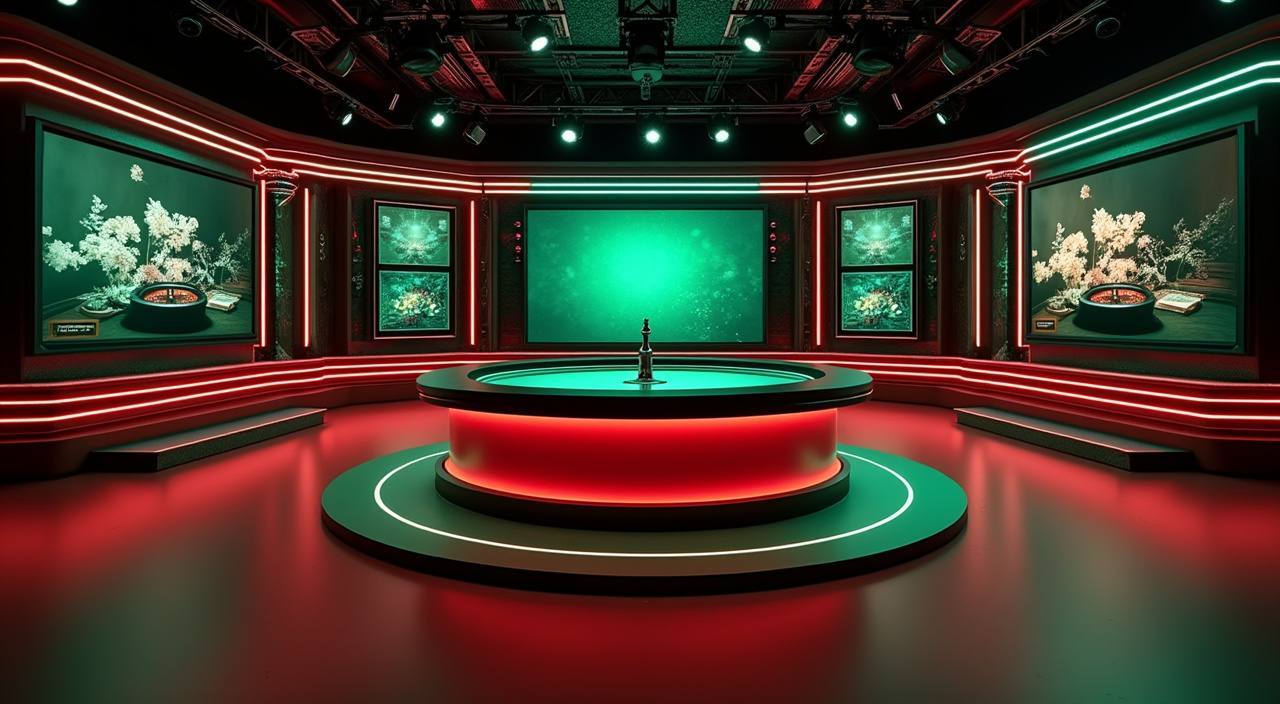
Our lobby brings together slots, live casino tables, table games and crash titles in one place, so you can move between categories without leaving the page.
CONTENT / 03
The Full Lobby on Your Phone Screen
The 11vet lobby is arranged for portrait-mode browsing — the game grid, wallet shortcut and category filters stack vertically so you can scroll with one thumb. Crash Skyrise and Roulette DiamondSpin are among the titles that render without horizontal scrolling on standard Android and iOS screen sizes.
-
One-Tap Wallet Access
Your account balance and deposit shortcut are pinned to the top of the lobby on mobile. Tap once to see your full transaction list or go straight to the Nagad or Rocket deposit screen. The wallet view does not require a separate login — it opens within your existing authenticated session without any extra steps.
-
Portrait-Mode Game Grid
The game grid is built for vertical scrolling, so every title card is fully visible without rotating your phone. Category filters sit above the grid and collapse cleanly when you select one. Crash Skyrise and other short-cycle titles load within the same view so there is no redirect delay between browsing and playing.
-
Adaptive Stream Quality
Live casino table streams from our studios step down resolution when your mobile signal is limited rather than cutting the feed. You stay at the table without being disconnected. The quality indicator is shown inside the game window if the studio's interface supports it, so you can see what resolution is currently active.
 App / Mobile